
Puzzle games
Brain teasers, logic grids and clever little challenges.




About Puzzle games
Play free puzzle games in your browser, from color sorting and crosswords to drawing challenges, quizzes and bubble matching. Plan your moves, spot patterns and test a different solution when you get stuck.
Some puzzles offer timed or move-limited challenges; others focus on working through levels or creating your own. Compare the controls and modes below to choose how you want to play.
Compare puzzle games
Choose a color puzzle, a drawing challenge, or a crossword. Check the controls and modes to find the kind of problem you want to solve.
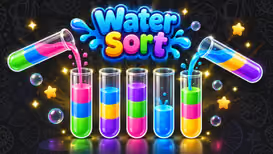
Water Sort
Plan pours to separate colors while keeping spare space for your next move.
- Controls
- Click or tap a source tube, then its destination.
- Modes
- Solo: Classic, Timed and Hard.
Sketch Drive
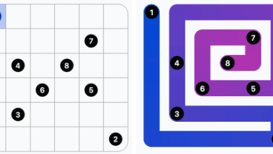
Draw a route, test the car, then adjust the road where it gets stuck.
- Controls
- Mouse drawing; on-screen Start and Restart buttons.
- Modes
- Solo puzzles, community levels and a level editor.
Wordhaven
Connect letters to fill a crossword and discover bonus words along the way.
- Controls
- Mouse or touch dragging; optional desktop typing.
- Modes
- Solo crossword journey.
Which puzzle game should I start with?
Start with Water Sort for color and space planning, Sketch Drive for drawing and testing a route, or Wordhaven for finding words. Water Sort’s opening walkthrough shows a complete three-pour solution to help you learn its rules.
Which puzzle games have touch controls?
Water Sort uses taps to select tubes and pour. Wordhaven lets you drag through letters with your finger; on desktop, you can also use its keyboard-play field. Each game page lists its controls before you start.
Tips
- When you're stuck, work backwards from the goal.
- Use undo and hints where a game offers them; they're part of learning how the puzzle works.