
Free online games, ready to play
Play puzzle, racing, sports and multiplayer games in your browser. Pick a game and start playing—no download or installation needed.
Games to explore


Water Sort
Crowd Run

Prison Escape
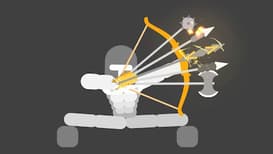
Stickman Archers

Counter Shoot

Sketch Drive

Blitz Ballers

Meeland.io
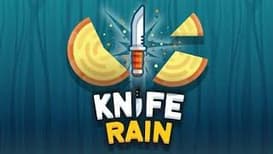
Knife Rain

Bloxd.io
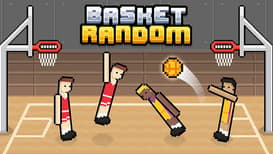
Basket Random

Ragdoll Hit
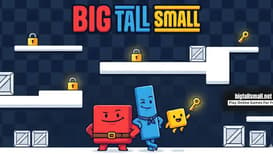
Big Tall Small

Cluster Rush

Monkey Mart
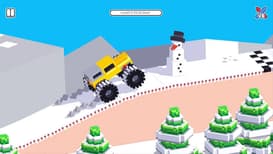
Drive Mad

Table Tennis
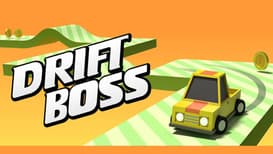
Drift Boss

Basketball Legends
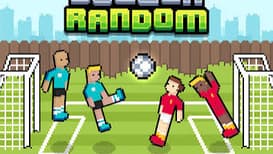
Soccer Random

Jump Only

Bacon May Die
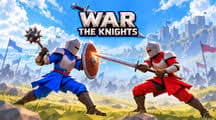
War the Knights

Planet Clicker
eParkour

Blumgi Slime
Boxing Random

Karate Bros

Hockey Bros
Kour.io
Drive Mad
Monkey Mart
Cluster Rush
Big Tall Small
Ragdoll Hit

Football Bros
Level Devil

Baseball Bros

Basket Bros

Geometry Dash Wave
House of Hazards
Find your next browser game
Which online games should I try?
In puzzle games, take time to plan your next move. Try racing games for driving challenges. For aim, timing, and practice, explore sports games. The new games collection is another place to start when you want to try something different.
Can I play without downloading anything?
Yes. Games on LiteGames.io run in your web browser without an app or launcher. Controls vary between games. Read the Controls and How to play sections below the player for keyboard, mouse, or touch instructions. Use the fullscreen button beneath the game if you need more room, and the sound button to mute it.
How do I save my game progress?
Guest saves stay in your browser. Sign in to use cloud saves in supported games, and check the sync status beneath the player before switching devices. Recently played helps you return to a game; the bookmark button adds it to My games.
Which games can I play with friends?
Visit multiplayer games and check each game’s guide for its available modes. Friend rooms and matchmaking depend on the game. If a game does not load or a control is unclear, use its report button or contact us with the game name and your device.
Can I play on a phone or tablet?
Games with touch controls can be played on a phone or tablet. Others need a keyboard and mouse. Check the game’s Controls section before starting, and rotate your device if the game uses a landscape view.